Overview
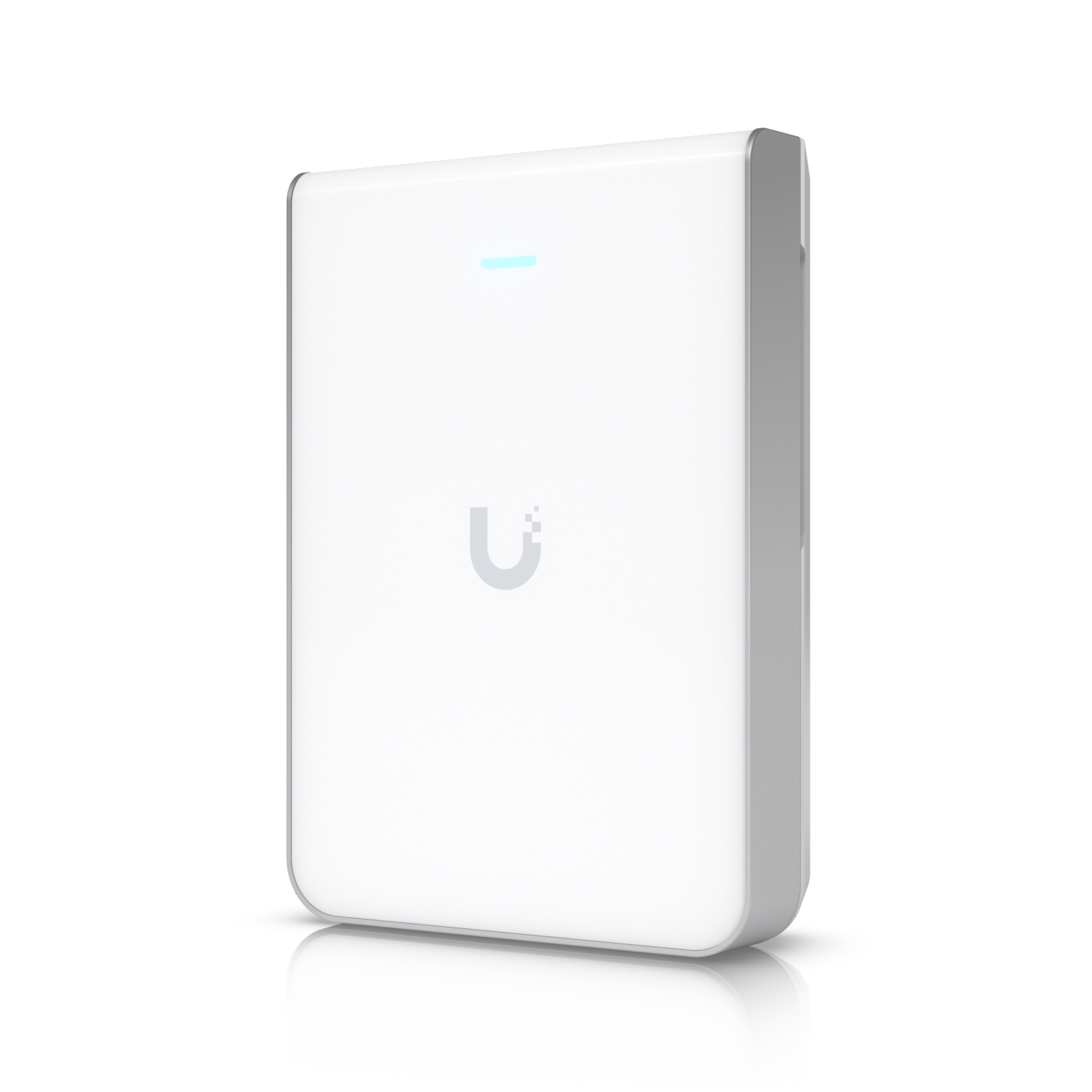
The U7 Pro Wall is a wall-mounted WiFi 7 access point designed for in-room placement at or near the client level. It includes Ethernet passthrough ports on the back, functioning as both an access point and a small in-room switch for wired devices.
Wall mounting close to clients produces a different RF propagation pattern than ceiling mounting. Signal travels horizontally across the floor rather than down from above, which suits long narrow spaces like hotel corridors or home hallways better than ceiling APs do.
Why I Recommend It
In a hotel room, hospital corridor, or open-plan office, ceiling APs serve clients who are moving through the space but not necessarily sitting directly under them. A wall-mounted AP near desk level hits clients at their devices rather than radiating past them from above.
The built-in switch ports allow wired workstations, smart TVs, and IP phones to connect at the same wall plate as the AP, eliminating the need for a separate wall switch or floor-level switch box. One Cat6 from the ceiling feeds the AP and its downstream ports.
Performance & Reliability
In its intended wall-mount positioning, coverage pattern is well-matched to horizontal room layouts. For corridor deployments, signal propagates down the length of the hall more effectively than a ceiling AP that radiates in a downward cone. Per-client throughput is comparable to the U7 Pro.
Wall-mount access points are more exposed to accidental physical contact than ceiling units. In high-traffic corridors, a protective cover or recessed installation is worth considering.
Same PoE power and firmware management as other U7 models. The passthrough switch ports add wired devices to the AP's local traffic.
Setup & Installation
Mounts to a standard electrical box on the wall. Run Cat6 from the closest ceiling drop or in-wall run to the AP location. Wire the passthrough ports to in-room drops before mounting. The wall plate design means the cabling work is behind the wall rather than visible.
Value for the Money
The combination of AP and in-room wired ports in one device reduces the hardware count in each room compared to installing a separate AP and a separate wall jack switch. For hotel or office builds where every room gets wired ports, the consolidation is meaningful.
For typical residential use in a single room, a ceiling AP covers the space better and doesn't need the in-room Ethernet ports. The U7 Pro Wall's value is highest in multi-room commercial builds.
Technical Specs
Connectivity
Wi-Fi, Ethernet, UniFi
Protocols
Use Case
UniFi networks that need reliable wireless access points or building bridges.
Best for