
← Back to Products
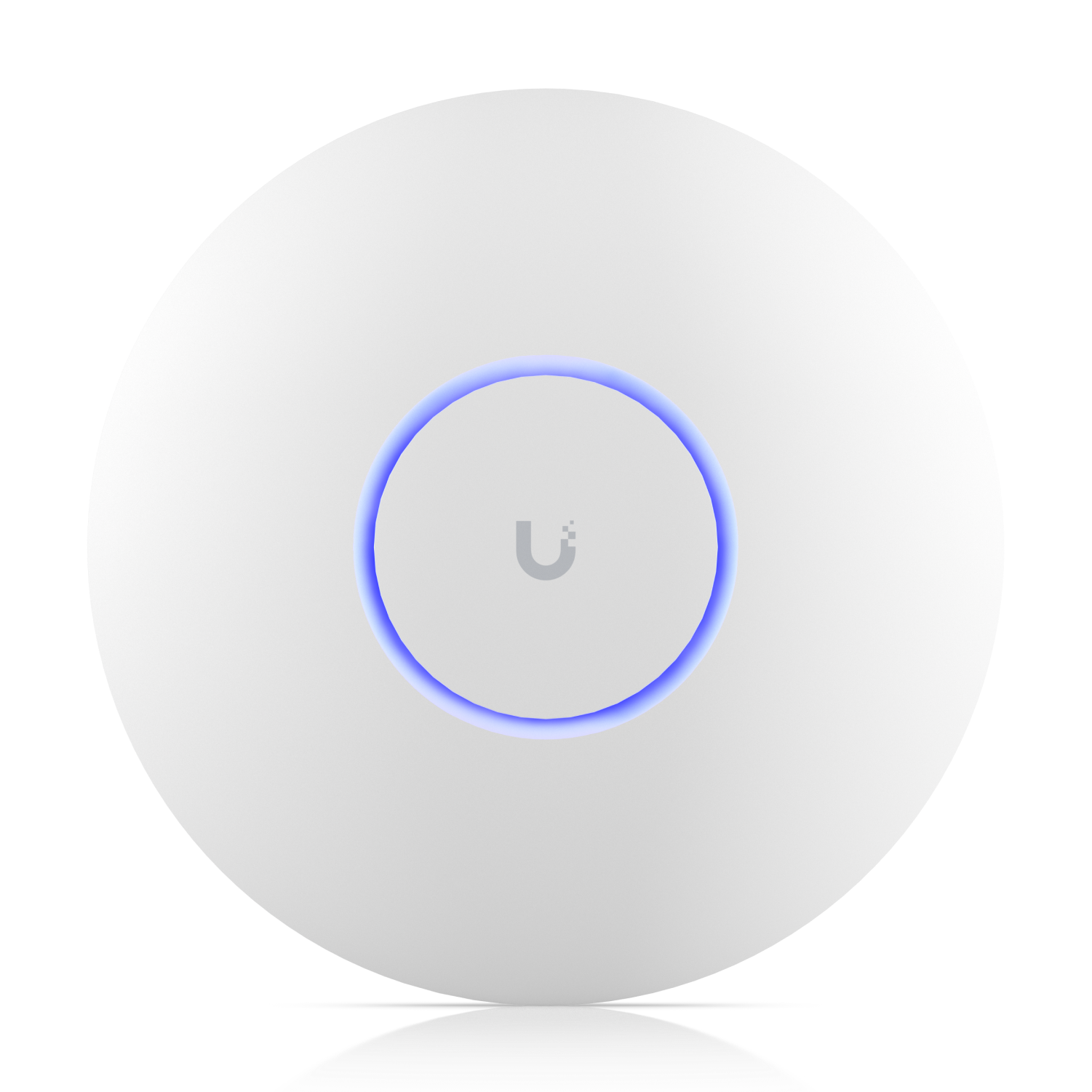
Ubiquiti U7 Pro
WiFi / bridge

Ubiquiti U7 Pro

★ 4.8NetworkingPrice tier $$$

For most buyers, the U7 Pro is where UniFi's Wi‑Fi 7 range starts making practical rather than purely enthusiast sense.

Affiliate disclosure: Product links may be affiliate links. If you buy through them, I may earn a commission at no extra cost to you.

Overview

The U7 Pro is the mainstream WiFi 7 ceiling access point in the UniFi lineup and the best all-round choice for most home and small office installations. It covers 2.4 GHz, 5 GHz, and 6 GHz bands, delivers WiFi 7 throughput to capable clients, and handles typical client counts without strain.

It's the access point that replaces most of what the previous U6 Pro generation did, but with WiFi 7 capability and the cleaner 6 GHz spectrum for clients that support it.

Why I Recommend It

Most homes and small offices will never stress the U7 Pro Max's higher capacity. The U7 Pro handles 30 to 40 simultaneous clients comfortably on a single AP while leaving room for growth. Buying the Pro Max for a setup with 15 devices is buying capacity you'll never use.

WiFi 6E access points from the previous generation don't carry the multi-link operation capability that WiFi 7 introduces. For clients that support it, MLO improves throughput and reliability in ways that aren't visible in spec sheets but show up in real use, particularly for streaming and video calls.

Performance & Reliability

Excellent throughput for home and small office client loads. 6 GHz band performance for compatible clients is noticeably cleaner than 5 GHz in environments with neighboring WiFi networks. Speeds on WiFi 7 phones and laptops within 30 feet are substantially higher than what the previous U6 Pro generation provided.

UniFi APs in general have a strong track record for uptime in permanent installations. The U7 Pro continues that pattern. Firmware has been stable across recent versions.

Automatic updates should be disabled. Schedule updates during low-usage windows. AP restarts during updates cause brief connectivity interruptions for all connected clients.

Setup & Installation

Ceiling mount, PoE power from a supporting switch, adopt in UniFi Network. Standard UniFi AP setup process. Most home installs complete initial configuration in under 30 minutes.

Value for the Money

The best value access point in the UniFi WiFi 7 lineup for standard residential and small office deployments. You get full WiFi 7 tri-band capability at a reasonable price without paying for density headroom you don't need.

If your client devices are all older than 2023, most won't support WiFi 7 or 6 GHz. The U7 Pro is still a better long-term investment than a WiFi 6E AP because it's ready when your devices catch up.

Technical Specs

Core Details
Networking Category
Connectivity
Wi-Fi, Ethernet, UniFi Protocols
Use Case
UniFi networks that need reliable wireless access points or building bridges. Best for
Technical Specs
$189.0 MSRP

Related Videos

Watch setup walkthroughs, product context, and companion guidance.

Browse videos
Configure the Ubiquiti Dream Machine Pro in 10 minutes!
Networking

Configure the Ubiquiti Dream Machine Pro in 10 minutes!

Basic configuration of the UDM Pro. Set up VLANs, wifi networks, and basic security in only 10 minutes.

9:24 1.2K views

Supercharge your home network with the UDM Pro
Networking

Supercharge your home network with the UDM Pro

Explore the benefits of using the Ubiquiti Unifi Platform in your smart home network and take a look at the initial setup of a Dream Machine Pro.

20:28 2.2K views

Start a Smart Home (The Right Way)
Getting Started

Start a Smart Home (The Right Way)

A practical walkthrough for planning and installing your first smart home system the right way.

7:11 322 views