Overview
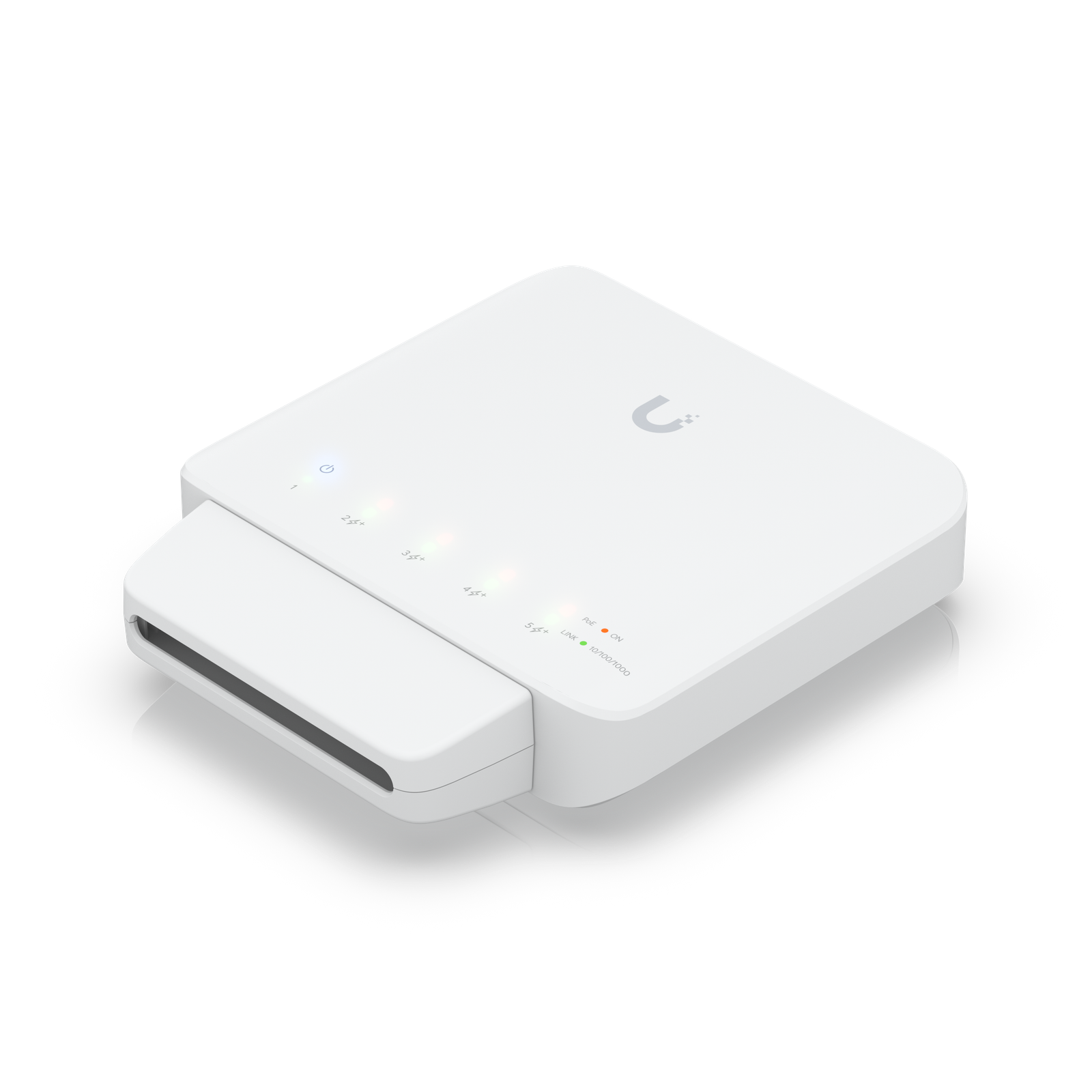
The UniFi Flex is a 5-port managed switch that takes its own power over a PoE uplink from a parent switch, eliminating the need for a local power outlet at the installation point. It's designed for tight spaces, outdoor runs, and locations where running power separately would be difficult or impossible.
Its five ports include one PoE-passthrough port, so it can also power a camera or access point directly at the far end of the cable run.
Why I Recommend It
Running Cat6 is often easier than running power. The Flex takes a single Cat6 from a powered switch and turns it into a local 5-port managed switch at the far end. For a garden shed, a pool house, an outbuilding, or any location where the nearest outlet is far away, this is the practical solution.
Unlike unmanaged micro-switches that just add ports, the Flex is fully managed and visible in UniFi Network. VLAN assignment and traffic isolation work the same as on any other UniFi switch.
Performance & Reliability
Gigabit ports across all five interfaces, with the PoE output on one port up to 802.3af spec. It doesn't match the 2.5G capability of the Pro Max line, but for edge locations connecting cameras, access points, and one or two wired devices, gigabit is entirely adequate.
IP55 rated when using the outdoor housing option. The PoE-powered design means no separate power supply to fail. The switch is only as reliable as the parent switch PoE port it connects to.
The total power budget must account for both the Flex itself and any PoE device it powers downstream. The parent switch port needs to supply enough for both.
Setup & Installation
Connect a Cat6 run from a PoE-capable parent switch port, connect local devices, adopt in UniFi Network. The managed features configure identically to any other UniFi switch. The outdoor housing is a separate bracket that replaces the default stand.
Value for the Money
For outbuildings and remote locations within Cat6 range of the main switch, the Flex avoids an electrician visit for a new power outlet. The total cost of the Flex plus the cable run is typically lower than adding a new outlet and a separate non-managed switch.
Don't use the Flex where 2.5G bandwidth matters. If the devices at the far end will generate high traffic loads, a direct Cat6 run to the core switch with a Pro Max edge switch is a better architecture.
Technical Specs
Connectivity
PoE, Ethernet, UniFi
Protocols
Use Case
Network architects who need managed PoE switching for smart home and AV gear.
Best for