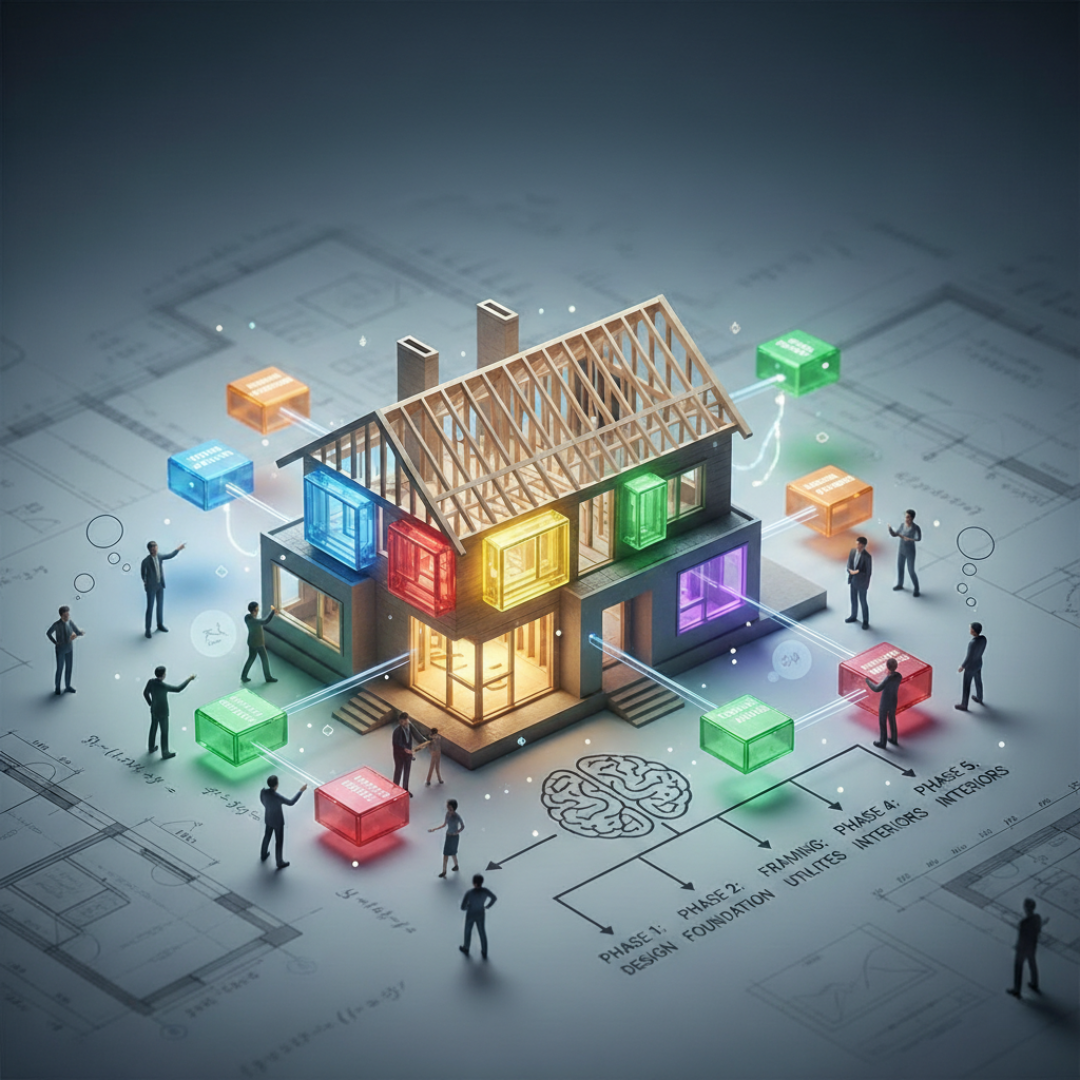
Most people build their smart home the same way they furnish an apartment — one impulse purchase at a time. It works fine until it doesn't, and then it's a nightmare to fix. There's a better way, and it comes from IT.
The real problem isn't the devices — it's the thinking
The common advice about smart home mistakes focuses on buying devices before picking a platform. That's true, but it's only half the problem. The other half is buying devices without thinking about how they will connect — not just to your hub, but to each other, to your network, and to the infrastructure that everything else depends on.
These are two distinct questions that most smart home guides treat as one:
- What protocol will this device use to communicate? (Zigbee, Z-Wave, Wi-Fi, Matter)
- What network infrastructure is that traffic riding on? (your router, your VLANs, your wireless coverage)
Get both wrong and you end up with a system that works in demos and fails in daily life. Get both right and you have something that runs quietly in the background and actually earns the word "smart."
How IT people think about systems differently
In enterprise IT, nobody deploys an application before designing the network it runs on. Nobody installs servers before defining the architecture. Every layer is planned before the one above it is built. Infrastructure first, then applications, then automation on top of that.
Smart home DIY culture runs the opposite direction. People start at the top — the automation, the app, the voice command — and work downward until something breaks. Then they try to fix individual symptoms rather than the underlying architecture. This is why so many smart homes feel brittle.
The IT approach flips the sequence:
- Network first. Get the infrastructure right before anything else touches it.
- Platform second. Choose your hub based on your goals and skill level, before buying a single device.
- Protocol third. Decide how your devices will communicate and stick to a deliberate mix.
- Devices last. Buy only devices that are well-supported by your platform and fit your protocol plan.
This isn't slower — it's actually faster, because you're not unpicking bad decisions six months in.
Network first: why your router matters more than any smart device
A smart home puts dozens of new devices on your network — every light, every sensor, every camera is a node. The consumer ISP router that came in your cable package was not designed for this. It has limited device tables, poor QoS handling, and zero ability to segment traffic.
I run UniFi at home. Not because it's fashionable, but because it gives me real control: proper VLANs, SSID-to-VLAN assignment, firewall rules that prevent my IoT devices from reaching my personal machines, and visibility into what's actually happening on the network. When something breaks, I can see exactly where the failure is.
At minimum, before adding any smart devices, you want:
- A router you actually control — not an ISP combo unit
- The ability to create a separate IoT network segment, even if you don't use it immediately
- Solid 2.4GHz coverage throughout your home — Zigbee and Z-Wave don't use Wi-Fi, but your coordinator and hub do
You don't need to spend a fortune. A UniFi Cloud Gateway Ultra and a couple of access points will outperform any consumer mesh system and cost less than you think for what you get.
Platform second: Home Assistant is the right answer for most serious builds
Your hub is the software that ties everything together. It's where automations live, where devices are managed, and where the logic of your smart home runs. Choosing it is the most consequential decision you'll make, and almost nobody treats it that way.
I use and recommend Home Assistant. It runs locally on your hardware — no cloud dependency, no subscription, no risk of a company shutting down and bricking your devices. It supports virtually every protocol and device on the market. Its automation engine is genuinely powerful, not a dumbed-down version of what enterprise tools can do. And because it's open, you're never locked into an ecosystem you didn't choose.
The tradeoff is real: Home Assistant has a learning curve. You'll encounter YAML, you'll need to understand integrations, and you'll occasionally need to troubleshoot something in a log file. If that sounds like your idea of a weekend, you'll love it. If it sounds exhausting, something like Google Home or Apple HomeKit may be a better fit — with the understanding that you're trading capability and control for convenience.
Whatever platform you choose: choose it before you buy anything. Then buy only devices with first-class support on that platform. Not "works with," not "compatible via cloud bridge" — genuinely well-supported, local-control capable, with a track record of reliable integration.
Protocol third: know what your devices are actually doing
Devices connect to your hub through different protocols, and the choice matters more than most buyers realize. A house full of Wi-Fi smart bulbs sounds convenient until you have 40 extra clients hammering your router and your automations start dropping events.
The practical breakdown:
- Zigbee — my default for lights and sensors. Low power, mesh networking (devices extend each other's range), excellent device selection, genuinely local. Requires a coordinator plugged into your Home Assistant machine.
- Z-Wave — similar to Zigbee but on a different frequency, which means less interference. My preference for locks and anything where reliability is non-negotiable. Slightly fewer devices, but the ones that exist tend to be solid.
- Wi-Fi — best for cameras and high-bandwidth devices, or devices where you need direct LAN access. Avoid it for lights and low-power sensors at scale. Every Wi-Fi device is a client on your network; twenty smart bulbs is twenty clients.
- Matter — the cross-ecosystem standard that major players agreed on. Still maturing. Worth choosing over proprietary alternatives when solid device support exists, but don't let "Matter compatible" be the only reason to pick a device.
A clean protocol strategy: Zigbee for the bulk of lights and sensors, Z-Wave for locks and critical switches, Wi-Fi for cameras and media devices, and Matter evaluated on a device-by-device basis as the ecosystem grows.
The mindset shift, in one sentence
A smart home isn't a collection of gadgets — it's a system, and systems need to be designed before they're built. The IT approach isn't more complicated than the DIY approach. It's just done in the right order, with the right questions asked upfront instead of after something breaks.
Start with the network. Choose the platform. Define the protocols. Then go buy the devices. In that order, every time.